
To Manage Users in Your Corporate Membership
- Log in to your account.
- Hover over Membership and select My Account.
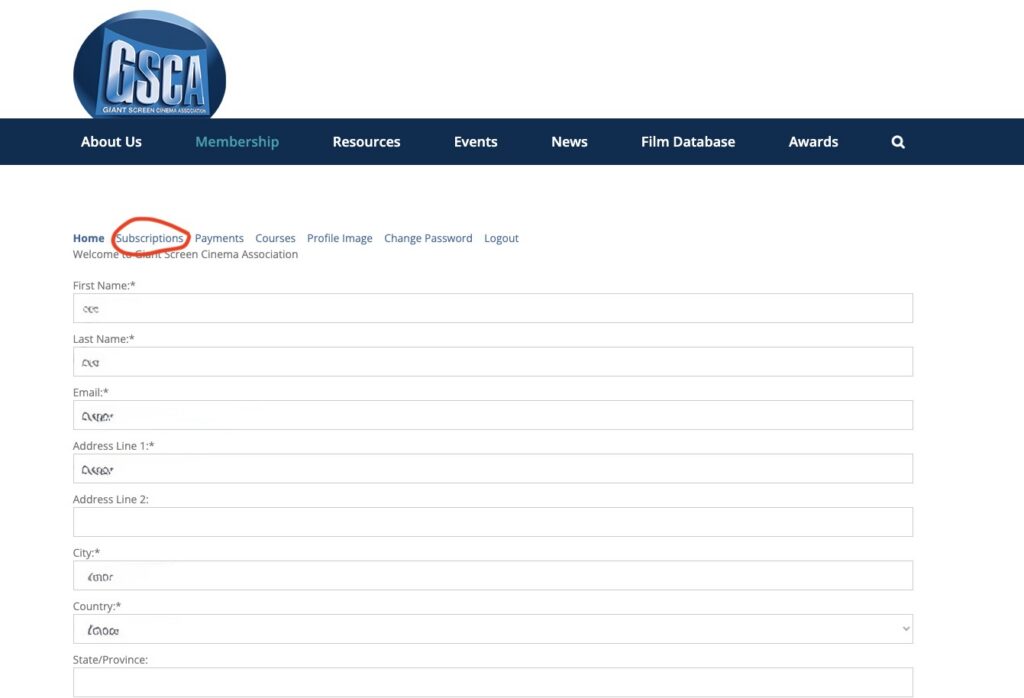
- Click Subscriptions.
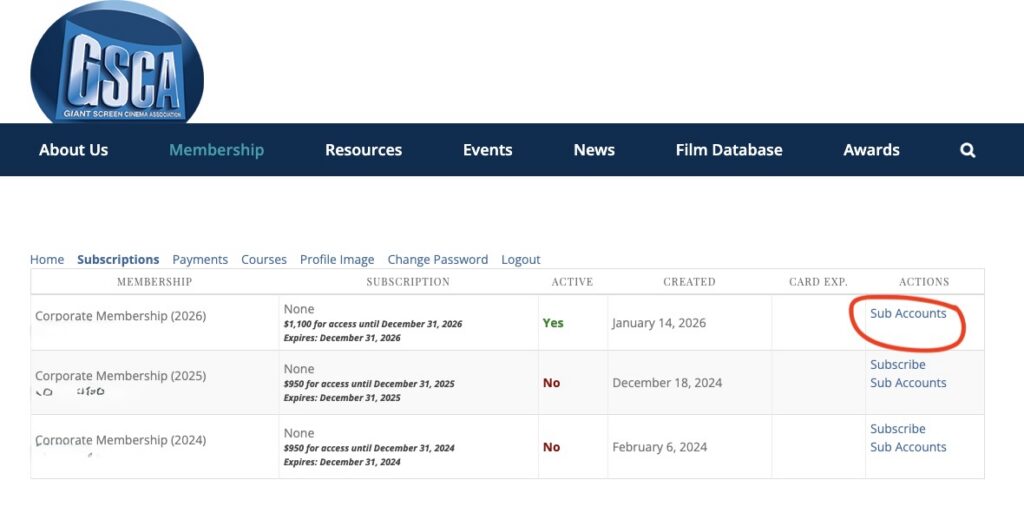
- Select Sub Accounts for the membership year you are working on.
To add new users (never previously part of your organization)
- Copy the Signup URL and email it to the new users using your preferred email program.
- Their registration will automatically be linked to your corporate account.
To renew existing users
- Open the Sub Accounts page for your previous membership year to view the list of usernames.
- Return to the Sub Accounts section for your current membership year.
- Click Add New Sub Account from Existing GSCA Members at the bottom of the page.
- Add each existing username one at a time, clicking Submit after each entry.
- This will create your sub-account list for the new membership year.